

Setup Instructions
1) Download file using the ‘Download Review Station’ button above.
2) Open the installer file.
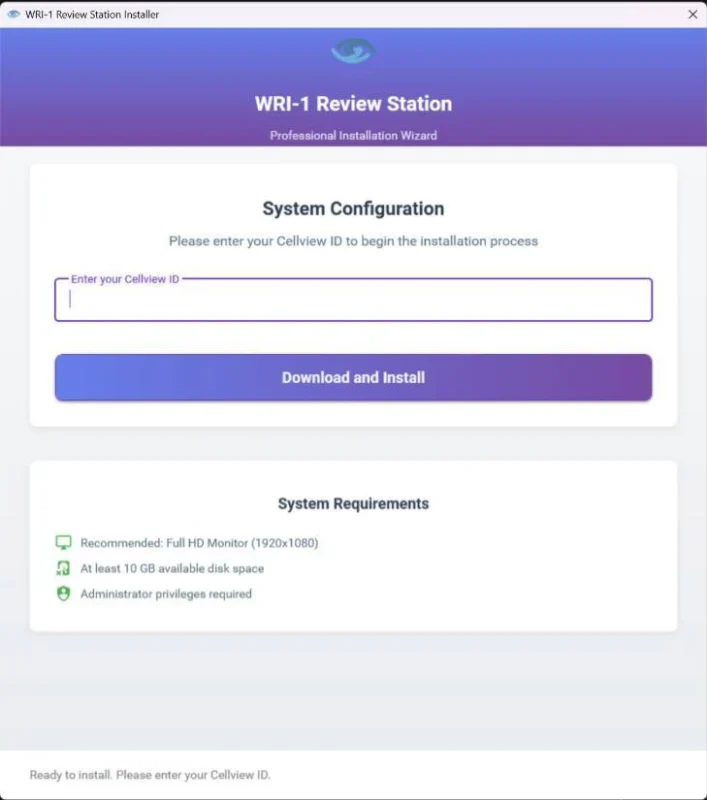
3) Enter your Cellview ID and click the “Download and Install” button.
4) The system will then perform all necessary checks automatically:
- If a different Cellview ID was previously used on this computer, the setup will reset the environment to ensure a clean installation.
- It will verify the screen resolution and display a warning if no Full HD monitor is detected.
- The correct software version will be automatically selected and downloaded based on the entered Cellview ID.
- The installer will request administrator permissions and perform a silent installation, requiring no further action from the user.
- Once completed, the WRI-1 Review Station will launch automatically.